
How to Register as a PAMM Manager
Updated 1 week Ago
PAMM (Percent Allocation Management Module) is a fund management solution that enables managers to control multiple investor accounts from a single master account, with profits distributed proportionally.
Registration Process
Step 1: Access the PAMM Platform
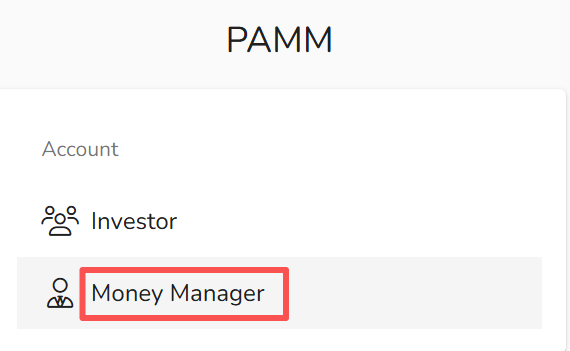
- Enter the PAMM platform
- Select “Money Manager” as your user role
Step 2: Enter Registration Details

- Click “Money Manager Registration” at the bottom of the page
- Provide the following information:
- Server: Select the appropriate server
(e.g., MT4 FP Markets-Live or MT5 FP Markets-Live) - Login: Enter your trading account ID
- Password: Enter your trading account password
- PAMM Account Name: Assign a name to your managed account
- Server: Select the appropriate server
Step 3: Submit Registration
- Review your details and click “Register”
- A confirmation email will be sent once registration is successful
Notes
- Ensure your trading account is active and accessible
- Use a clear and professional account name for better visibility to investors
- After registration, you can configure performance fees, minimum investment, and other parameters