
Account Registration
Updated 7 months Ago
Everything begins with registering an account.
Procedure
Step 1: Go to the Registration Page

- Click here to access the registration page directly, or click “Open a Live Account” in the top-right corner of the official website.
Step 2: Complete Your Information
Create Account

- Enter your email address.
- Click “Send OTP”, then enter the code received in your email.
- If you are unable to receive the verification code, please contact our customer support team.
- Set your password according to the requirements.
Personal Information
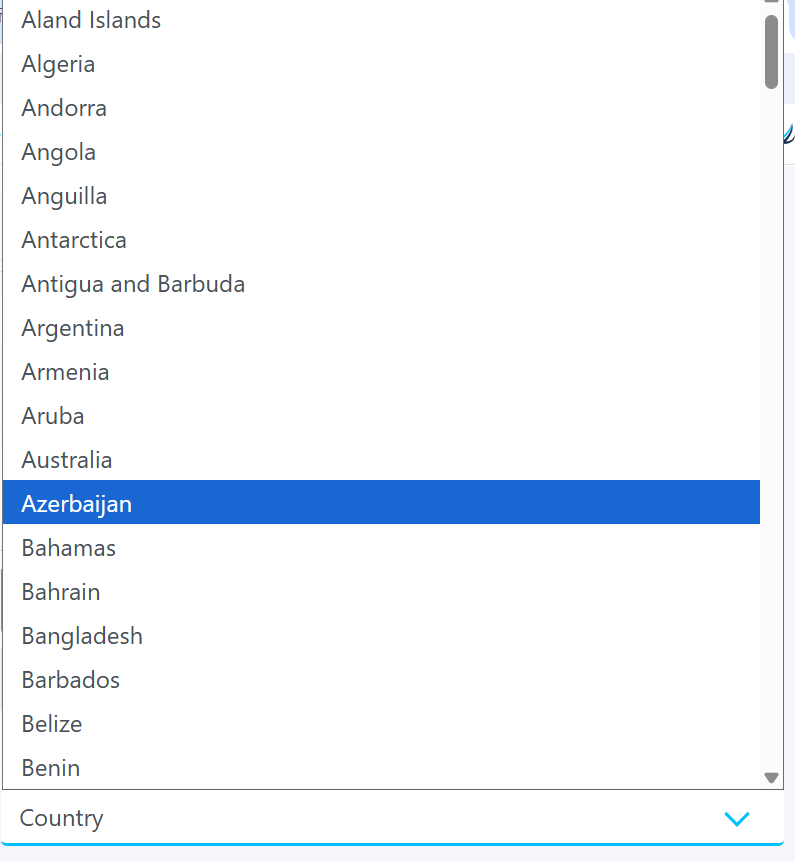
- First Name / Last Name: Enter your legal name exactly as it appears on your identification document.
- Enter Phone Number
- ID Number: Enter your ID card number or passport number.
- Residents of Mainland China must use their National ID card.
- Date of Birth: Select your date of birth as shown on your identification document.
- Gender: Select your gender as shown on your identification document.
- Address: please enter it manually.
- Click “Next.”
Trading Experience

- Industry: Enter your industry (e.g., Finance / Education / Healthcare / Technology).
- Job Title: Enter your position (e.g., Manager / Engineer / Teacher / Doctor).
- Select your Trading Experience
- Select your Employment Status:
- Select your Source of Funds:
- Select your Annual Income:
- Click “Next.”

Trading Account Setup
- Trading Platform: Select MT4 or MT5.
- Select Account Type
- Leverage: Up to 1:500.
Please read the Client Agreement, Privacy Policy, and other relevant legal documents carefully, and tick the box to indicate your agreement.
Click “Sign Up” to submit your application.
Step 3: Upload Identification Documents
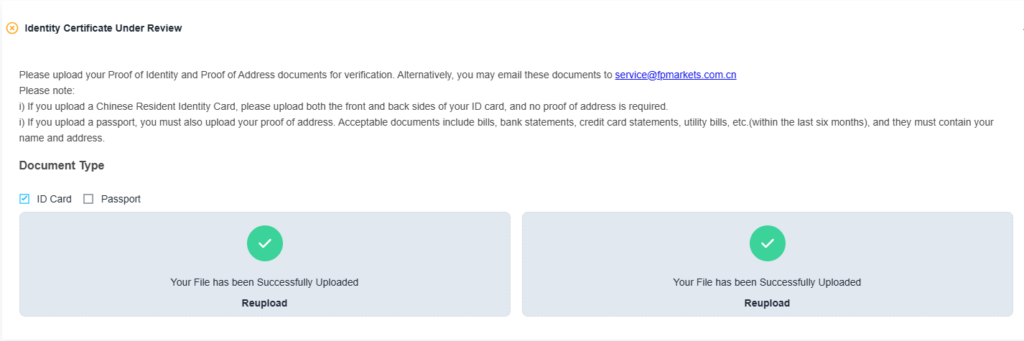
- After clicking “Register,” you will be automatically redirected to your Client Portal.
- A “Verify Your Identity” notification will appear in the portal.
Please upload the required documents as follows:
- Mainland China Clients:
Only color photos of both sides of a Chinese Resident Identity Card are accepted. Photocopies are not accepted. - Clients from Taiwan, Hong Kong, and Macau:
You may submit color photos of an ID card, passport, or driver’s license. Photocopies are not accepted. - Additional Requirement for Hong Kong and Macau Clients:
A utility bill (electricity, water, gas, etc.) or bank statement issued within the last 6 months must also be provided.
Document Requirements
- The identification document must clearly display full name, date of birth, issue date, and expiry date.
- All images must be clear and legible.
Supported File Formats:
.jpg, .bmp, .png, .pdf
File Size:
Each file must not exceed 50 MB.
Our support team will review your documents within one business day, and the result will be sent to you via email.
Related Articles
- How to Log in to the Client Portal
- How to Upload Identification Documents
- How to Upload Proof of Address
- Document Requirements
- How to Bind a Mobile Number
- How to Add a Demo Trading Account
- How to Open a Corporate Account
- Account Automatic Archiving Policy
- How to Adjust Trading Leverage
- How to Reactivate an Archived Account
- How to Close Your Account
- How to Add an Additional Account
- Negative Balance Reset